In the browser, on any device

A landscape design app that starts with a photo

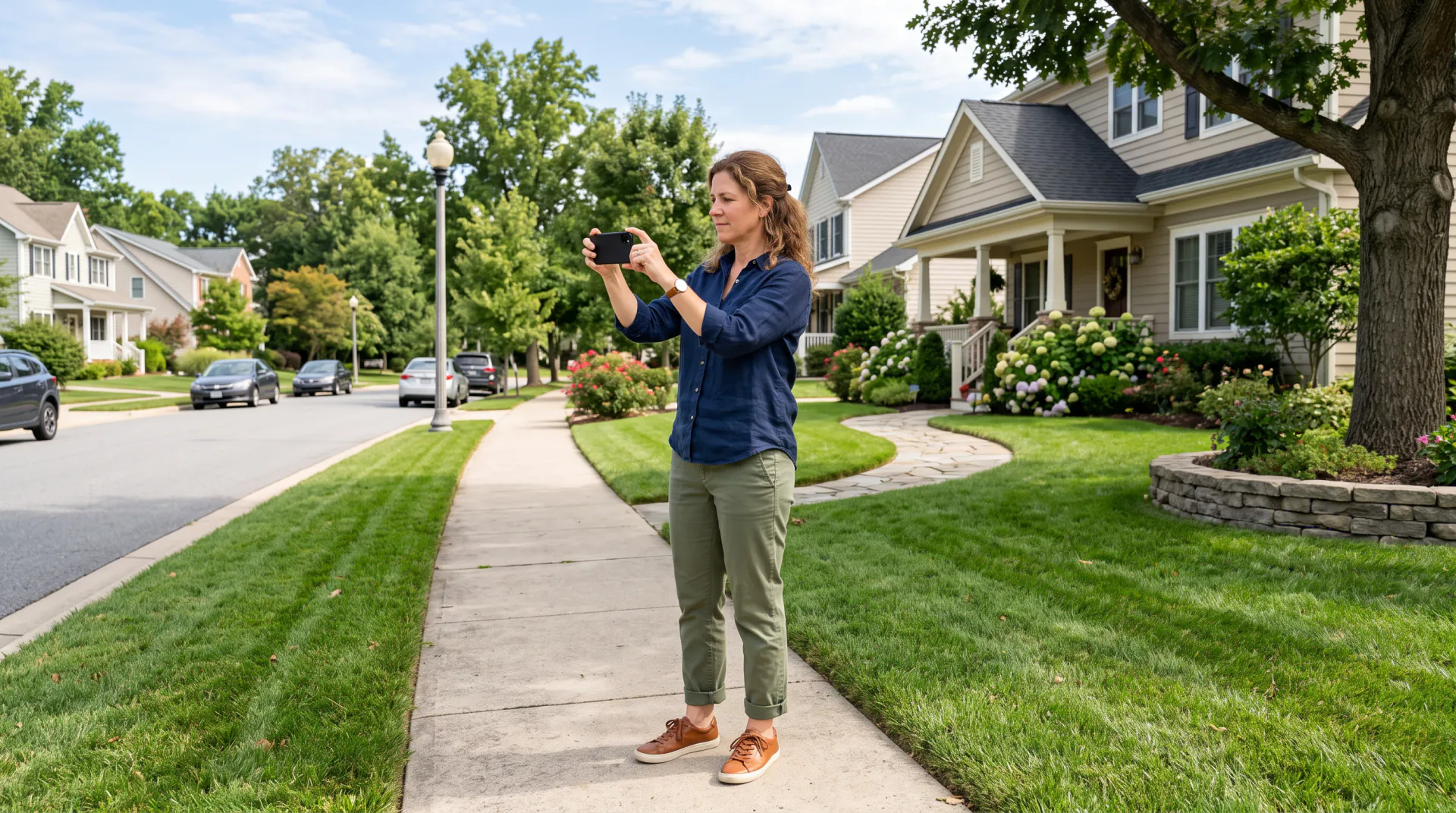
No download and no drawing tools. Open the site on your phone in the yard, take a photo, type what you want, and see the design while you are still standing there.

  • Works on your phone
  • Nothing to install
  • History on every device
Your yard photo first, then an optional inspiration image (up to 2; PNG, JPEG or WebP)
Try
Model
Shape
Size
Options

20 credits

Buy credits

At a glance

AI Landscape Designer is a landscape design app that runs in the browser on phones, tablets and computers, with nothing to install. Upload a photo of your yard, describe the design and get up to 4 photorealistic options from Nano Banana 2 for 20 credits each, or a concept image from Seedream 4.5 for 10. It makes pictures rather than measured plans, and it is not sold in app stores.

Runs on
Any modern browser on a phone, tablet or computer
Install
None; there is no app-store version
Your photo
Optional: up to 2 images, your yard first and an inspiration photo second (PNG, JPEG or WebP, 10 MB each)
Price per design
20 credits per photo redesign, 10 per concept image
History
Saved to your account and shown on every device you sign in on
Account
Free to sign up; designs use purchased credits

What makes it a practical landscape design app

  • 01

    Use it where the yard is

    The site works in your phone's browser, so you can photograph the yard and try ideas on the spot, then look again on a bigger screen.

  • 02

    Words instead of drag-and-drop

    You do not place plant icons on a grid. You describe the result, and the model draws it into your photo.

  • 03

    One account on every device

    Designs are saved to your account's history, so a design made on the phone is there on the laptop when you sign in.

  • 04

    Compare 4 layouts at once

    Generate several options in one run and keep the one the household agrees on. Each option is priced as one image.

How to use the landscape design app

  1. 01

    Open the site on your phone

    Open it in your phone's browser and look around. Create a free account with your email when you are ready to generate.

  2. 02

    Photograph and describe

    Upload a photo from your camera roll, then describe the planting, paths, patio or lighting you want.

  3. 03

    Review and share

    Compare the options, download the one you like and send it to whoever is helping with the project.

A photo-based app or a plan-drawing app?

Most landscape design apps fall into two groups. Plan-drawing apps let you lay out beds, paths and plants on a measured site plan, and some produce plant lists and quantities. Photo-based apps, like this one, show how a design would look in a picture of your actual yard.

They answer different questions. A photo redesign answers “will we like it?” in one sitting; a measured plan answers “will it fit, and what do we need to buy?” Many people use a photo redesign first to agree on a style, then draw the plan or hire someone to.
What this app does not do

Honest limits help you decide whether it fits your project:

  • No measured site plans, dimensions or plant quantities
  • No hardiness, soil, sun or drainage checks
  • No offline mode; generation needs an internet connection
  • No native iPhone or Android app; it runs in the browser
  • No 3D walk-through; each design is a still image

Tips for yard photos taken on a phone

The photo decides how good the redesign can be. A few habits help:

  • Use the main camera rather than the ultra-wide lens, so edges stay straight.
  • Hold the phone level at eye height, turned sideways.
  • Shoot in soft daylight or overcast weather, not into the sun.
  • Include the whole area you want changed, plus a little of the house.
  • Take a second photo from another corner to try another view.

Photo-based app or plan-drawing app?

AI Landscape DesignerPlan-drawing apps
You start fromA photo of your yardA blank or measured site plan
You getPhotorealistic pictures of your own yardA 2D or 3D layout, often with plant lists
Learning curveType a sentenceLearn the drawing tools
MeasurementsNoneUsually, to the scale you enter
Best forChoosing a look quicklyPlanning what to build and buy

Landscape design app FAQ

Is there an iPhone or Android app?

No. AI Landscape Designer runs in the browser on iPhone, Android, tablets and computers, so there is nothing to download from an app store. You can add the site to your home screen like any website.

Do my designs sync between phone and computer?

Yes. Designs are saved to your account's history, so they appear on any device where you sign in with the same email address.

Does the app work offline?

No. Each design is generated by an image model on remote servers, so you need an internet connection to upload a photo and generate.

Can I get a measured plan with dimensions?

No. The app makes photorealistic pictures, not drawings to scale. Use it to choose a style, then take measurements or work with a designer for the build.

How much does the app cost?

Signing up is free. Each photo redesign uses 20 credits and each concept image 10; credits come from packs, from $4.99, or monthly plans. New accounts get no free credits.

Try it standing in your yard

Open the site on your phone, take one photo and describe the yard you want.

Last updated October 29, 2026

Create your free account