
A visual garden planner

AI garden design: see the planting before you dig

Upload a photo of a bed, a border or the whole garden and describe the planting. The AI redraws it in full growth, so you can test colors, heights and layouts first.

  • Test planting before you buy
  • Any season, any style
  • Up to 4 options per run
Your yard photo first, then an optional inspiration image (up to 2; PNG, JPEG or WebP)
Try
Model
Shape
Size
Options

20 credits

Buy credits

At a glance

AI Landscape Designer works as an AI garden design tool and a visual garden planner: upload a photo of a bed or garden and describe the planting, or describe a garden from scratch. Nano Banana 2 redraws your photo for 20 credits per image, and Seedream 4.5 draws concepts for 10. It shows how a garden could look; it does not check hardiness, soil or spacing, so confirm plant choices locally.

Good for
Beds, borders, vegetable plots, pollinator and shade gardens
Price per design
20 credits per photo redesign, 10 per concept image
Your photo
Optional: up to 2 images, your yard first and an inspiration photo second (PNG, JPEG or WebP, 10 MB each)
Seasons
Ask for a spring, summer, autumn or winter view
Account
Free to sign up; designs use purchased credits

What AI garden design helps you decide

  • 01

    Colors and heights

    See whether a tall-to-short border reads well from the house, and whether the colors clash, before anything goes in the ground.

  • 02

    Garden styles

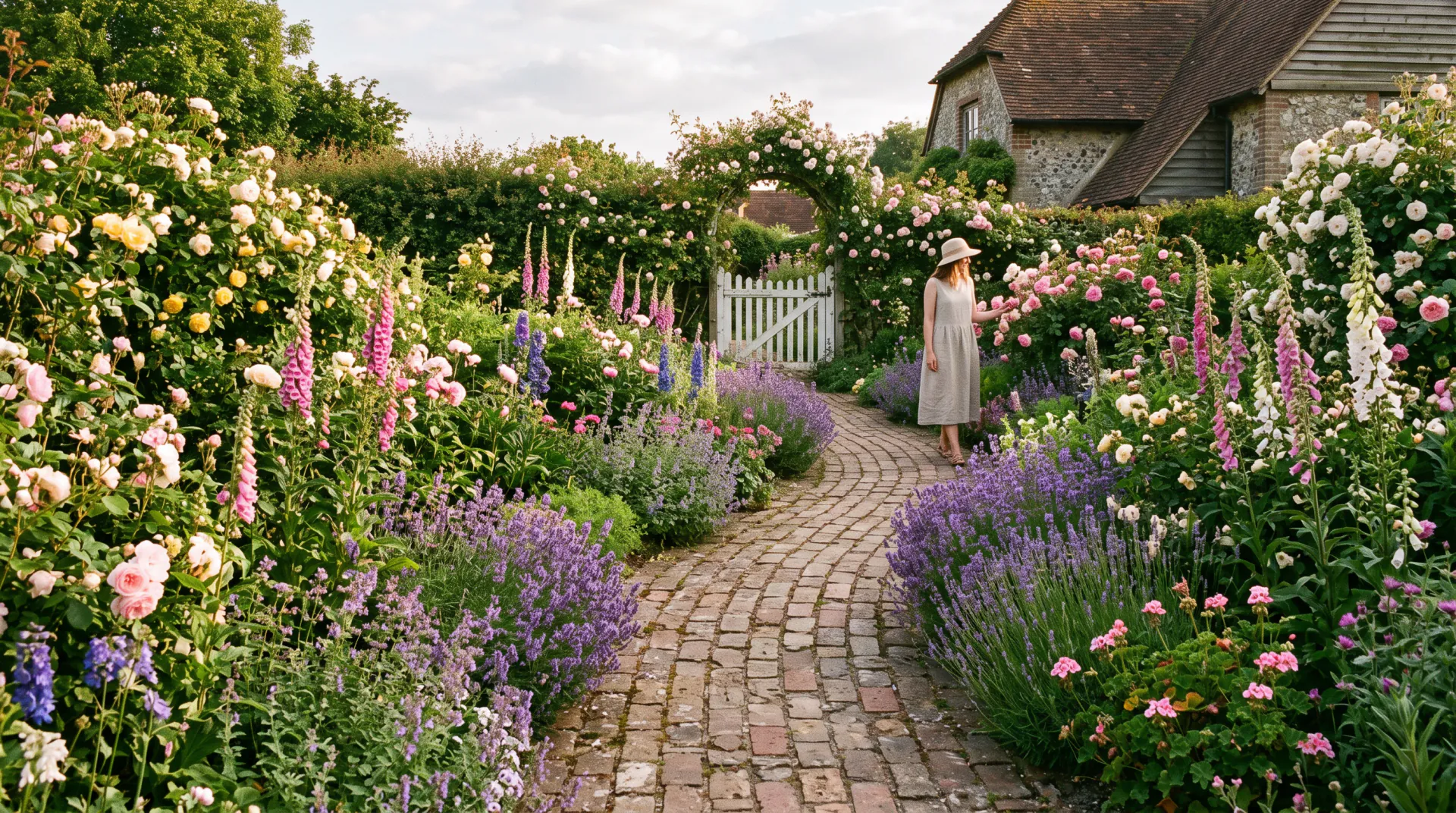
    Try cottage, prairie, formal, Japanese or woodland planting on the same bed and compare them side by side.

  • 03

    Edible gardens

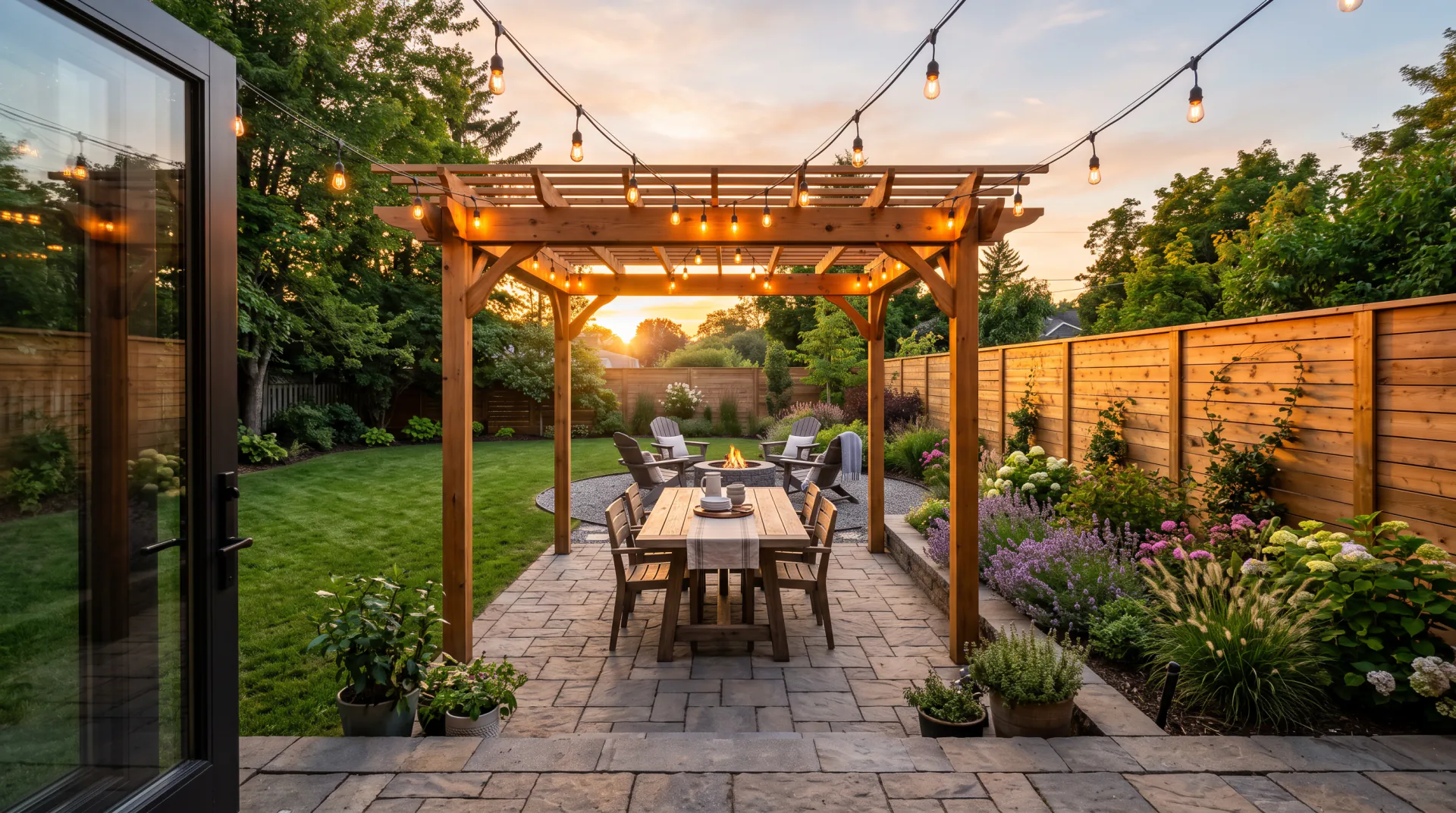
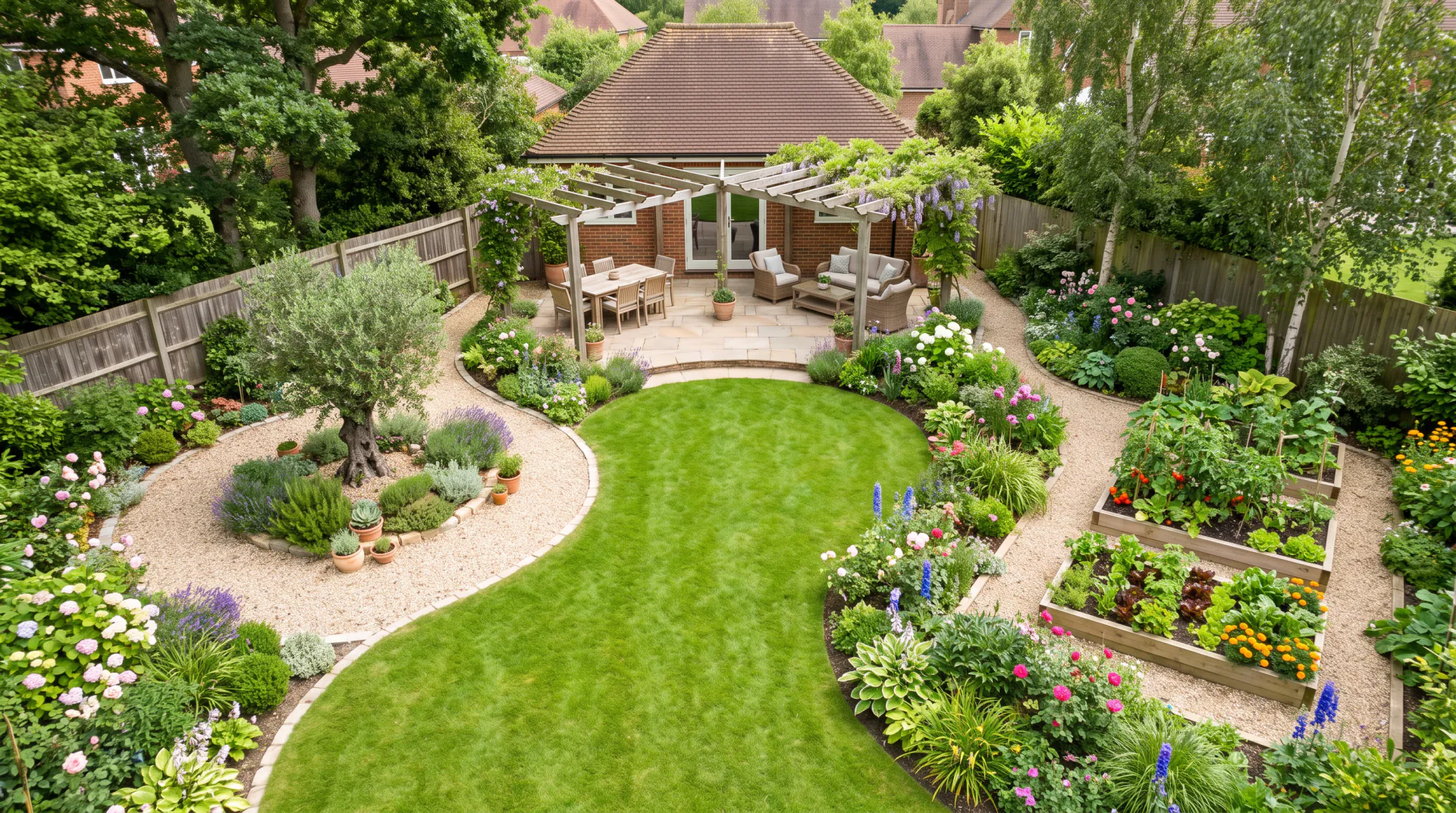
    Lay out raised beds, gravel paths, fruit trees and herbs, and see how a kitchen garden would sit in your yard.

  • 04

    Every season

    Ask for the same garden in spring bloom, high summer, autumn color or winter structure to check it works all year.

How to plan a garden with AI

  1. 01

    Photograph the bed or garden

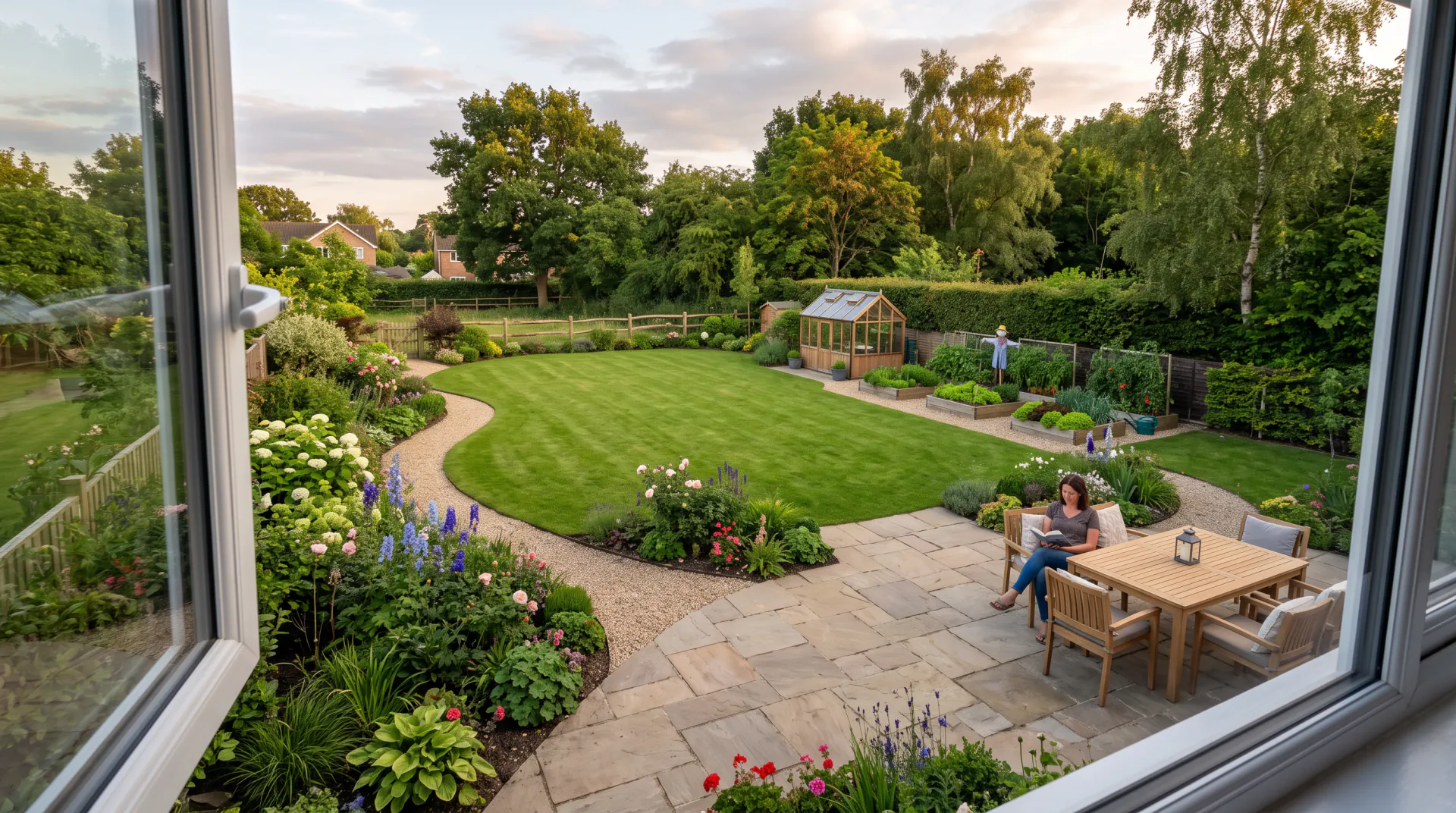
    Take it from where you will usually see it, such as the kitchen window or the patio, in soft daylight.

  2. 02

    Describe the planting

    Name the style, three to five plants and their place: back, middle or front. Mention your region or climate.

  3. 03

    Compare and refine

    Generate options, keep what works, and change one thing per run, such as the color of the middle layer.

AI garden design and AI garden planners

People use “AI garden planner” for two different things. Some planners calculate spacing, sowing dates and plant counts from your measurements. A visual AI garden design tool, like this one, shows what a planting scheme would look like in your own garden.

This site does the visual part. It will not tell you how many plants fit in a bed or when to sow, so pair it with a planting guide or a nursery when you turn the picture into a shopping list.

Planting principles that make better descriptions

Gardeners rely on a few simple rules. Writing them into your description makes the design more believable:

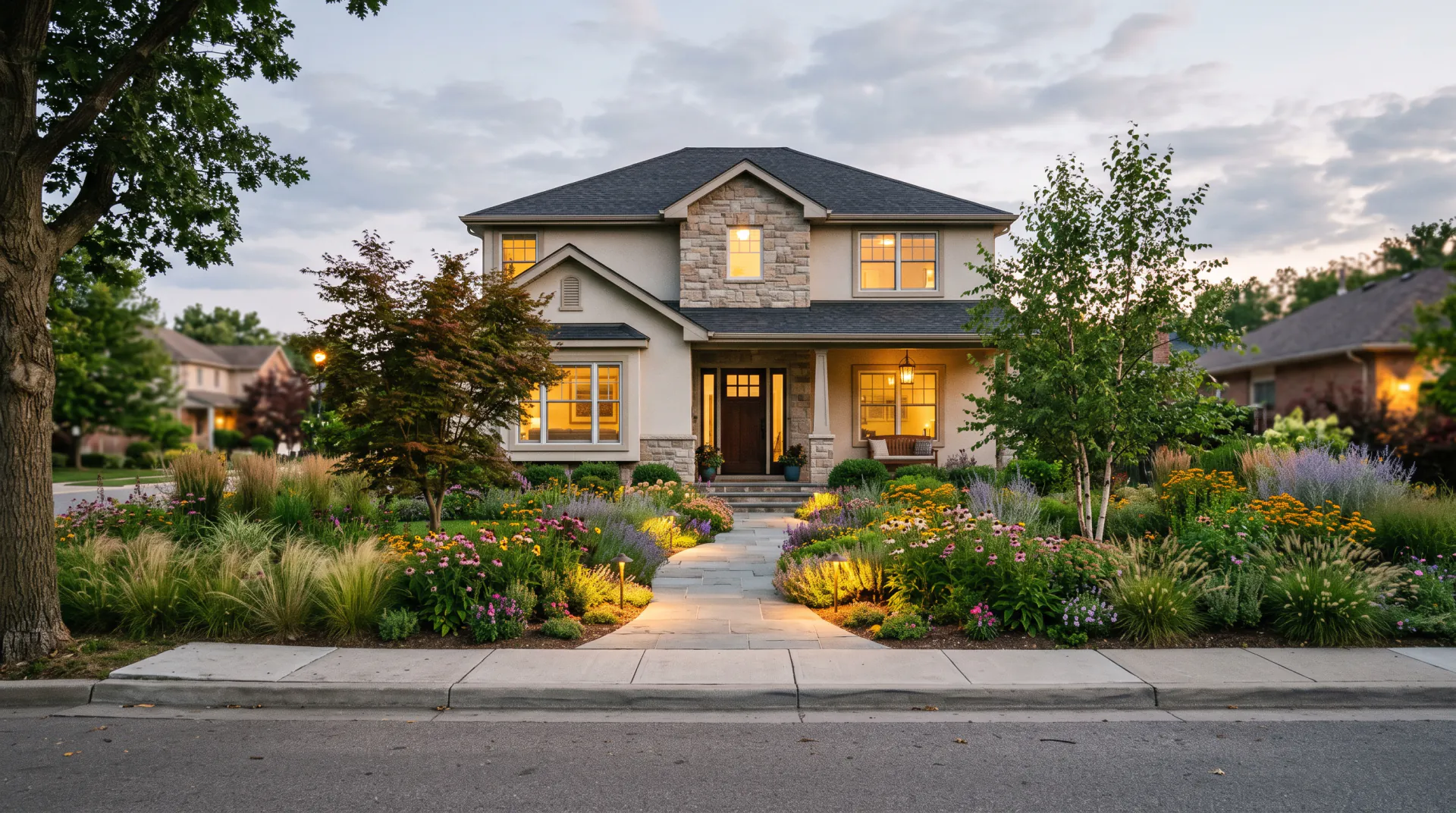
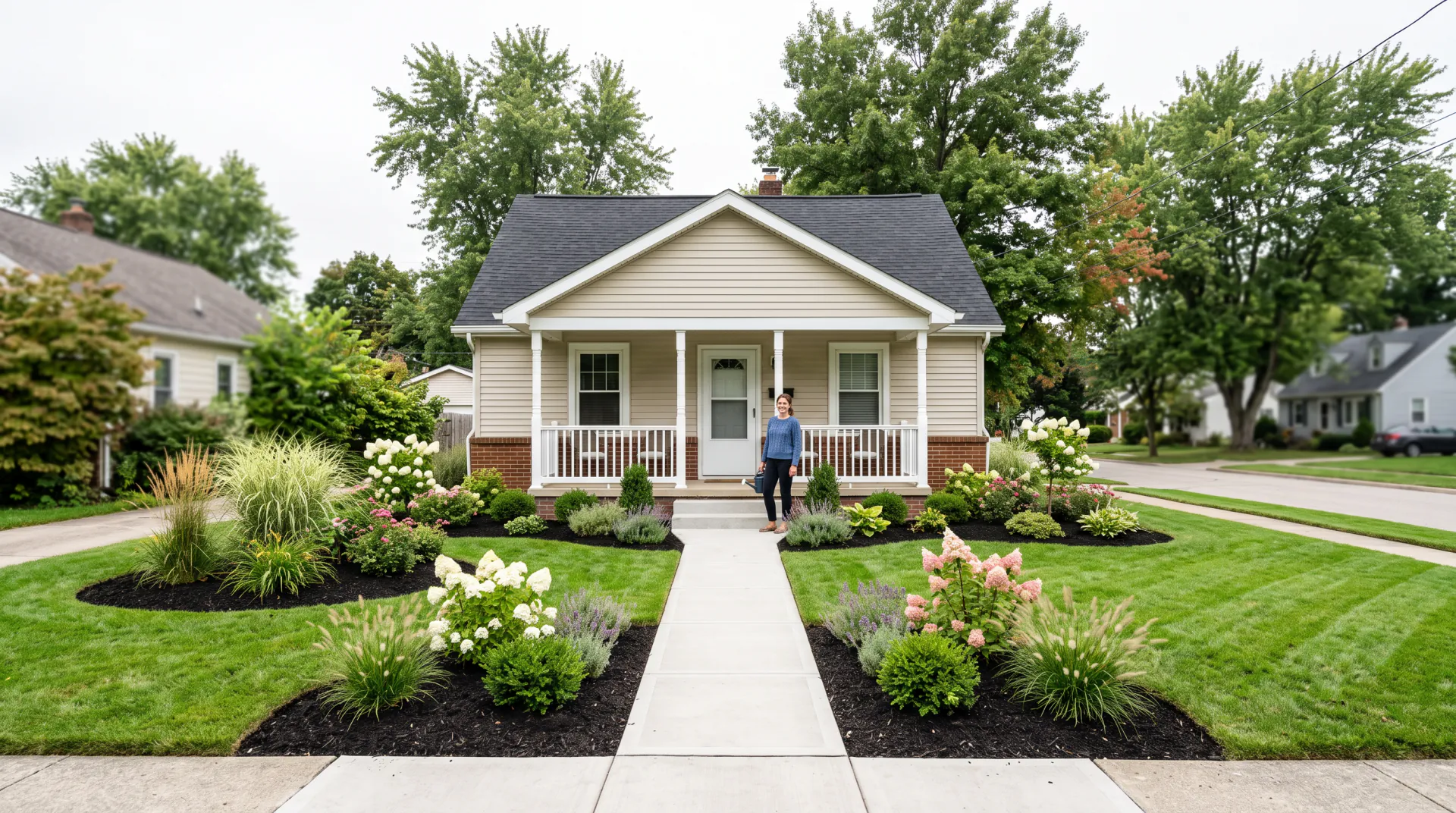
  • Layer by height: tall at the back, medium in the middle, low at the front edge.
  • Repeat a few plants along a border instead of using one of everything.
  • Plant in groups of three or five for a natural look.
  • Mix flower shapes: spikes, daisies and mounds.
  • Add evergreen structure so the garden keeps its shape in winter.
  • Match plants to the light: sun lovers in sun, ferns and hostas in shade.

Drought-tolerant and xeriscape gardens

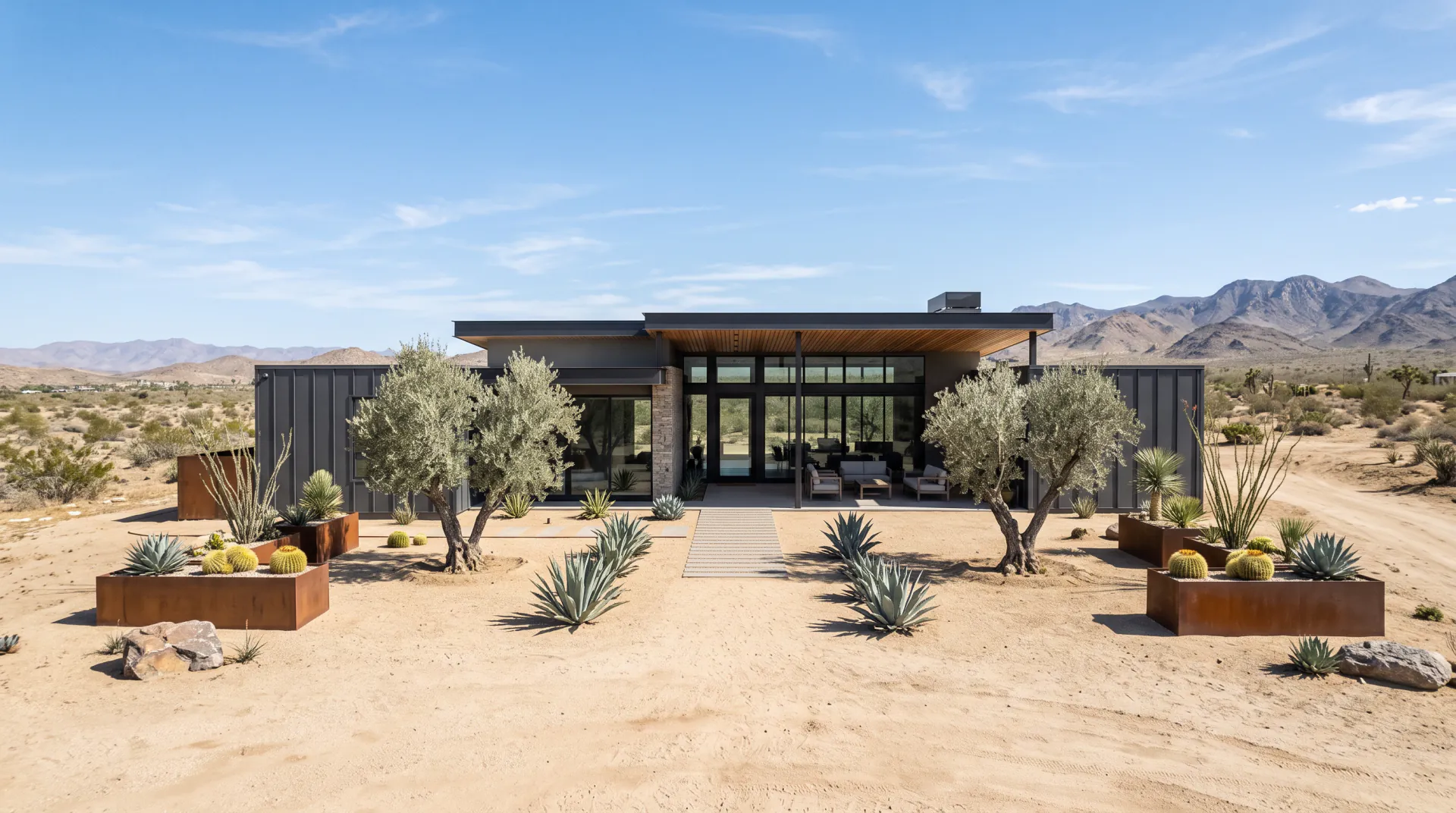
Xeriscaping means designing a garden that needs little or no extra watering once it is established: grouping plants by water need, replacing thirsty lawn with gravel, mulch or groundcovers, and choosing plants adapted to dry summers.

To try it, describe the low-water look you want, such as gravel, boulders, ornamental grasses, sages, lavender and succulents, and say which climate you garden in. Check the final plant list with a local nursery, because drought tolerance differs by region.

AI garden design FAQ

Can AI design my garden?

It can show you how a garden design would look, in your own photo or as a concept, from a short description. You still choose the plants, check them for your climate and do or hire the planting.

Is this an AI garden planner?

It is a visual garden planner: it shows the look of a planting scheme. It does not calculate spacing, plant counts, sowing dates or watering, which a planting guide or nursery can help with.

Will the plants in the picture be real varieties?

Usually they look like the plants you named, but the model draws rather than identifies. Treat the picture as a look to aim for, and confirm each plant by name before you buy.

Can I see the garden in different seasons?

Yes. Ask for spring, summer, autumn or winter in the description, for example “the same border in autumn with seed heads and red foliage”.

Can it design a vegetable garden?

Yes. Describe the raised beds, paths, supports and crops, and the model draws them into your photo. It will not plan crop rotation or sowing dates for you.

See your garden in full growth

Upload a photo of the bed or garden and describe the planting you have in mind.

Last updated October 29, 2026

Create your free account